Keep the inspiration.
Save a pattern to your account. Make an attributed recolor when the original maker allows it.
 Made for 18+
The fuse-bead creation app
Turn a little idea into something you can hold. Draw a pattern, make it by hand, and share your own spin.
Meet your next creative habit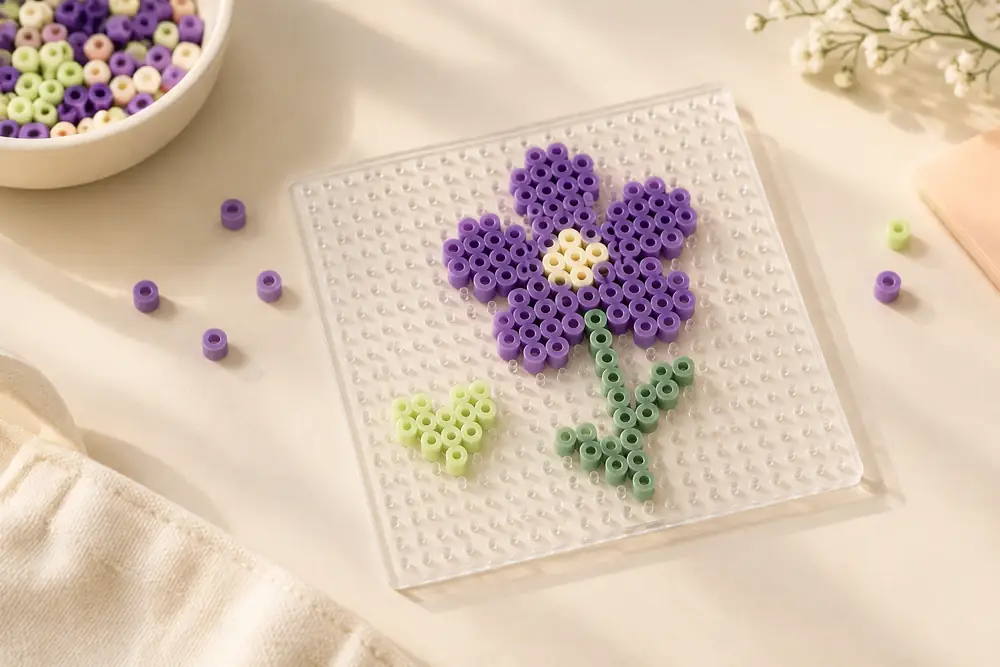
From the first pixel to the last bead, keep your pattern and your place together.
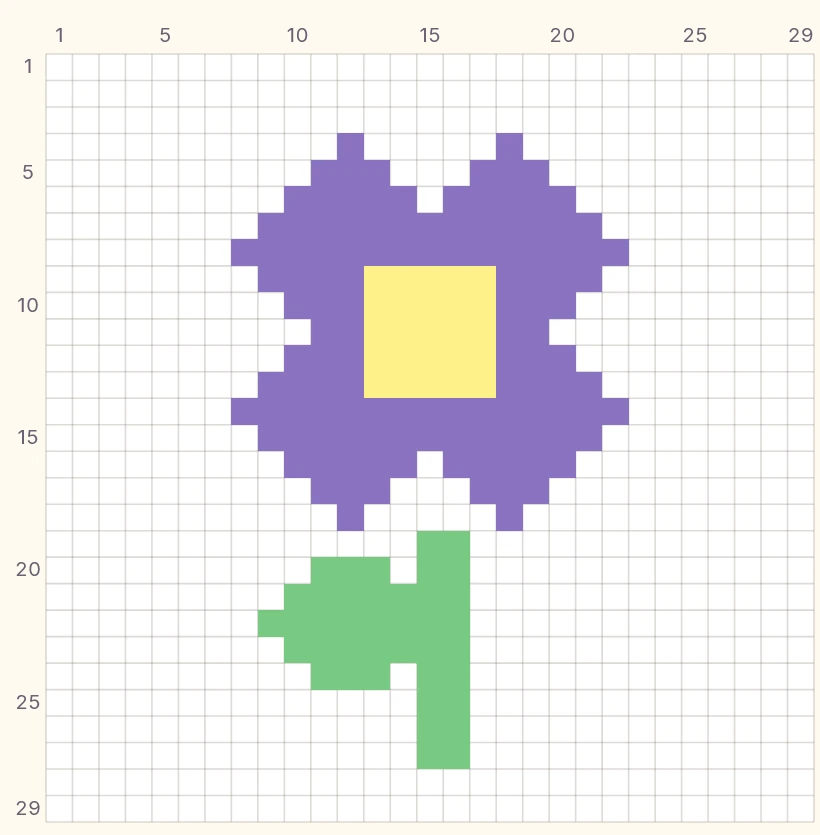
Your own pace, your own workspace. Drawing and making can start without a maker account.
Made by you. Shared with makers.
Show the pattern and the piece it became. Find another color story. Give the original maker their credit.
Save a pattern to your account. Make an attributed recolor when the original maker allows it.
Publish your own patterns and finished-piece photos, follow makers, and talk about the work in comments.
Account questions, creative hiccups or something to report? Start here.